
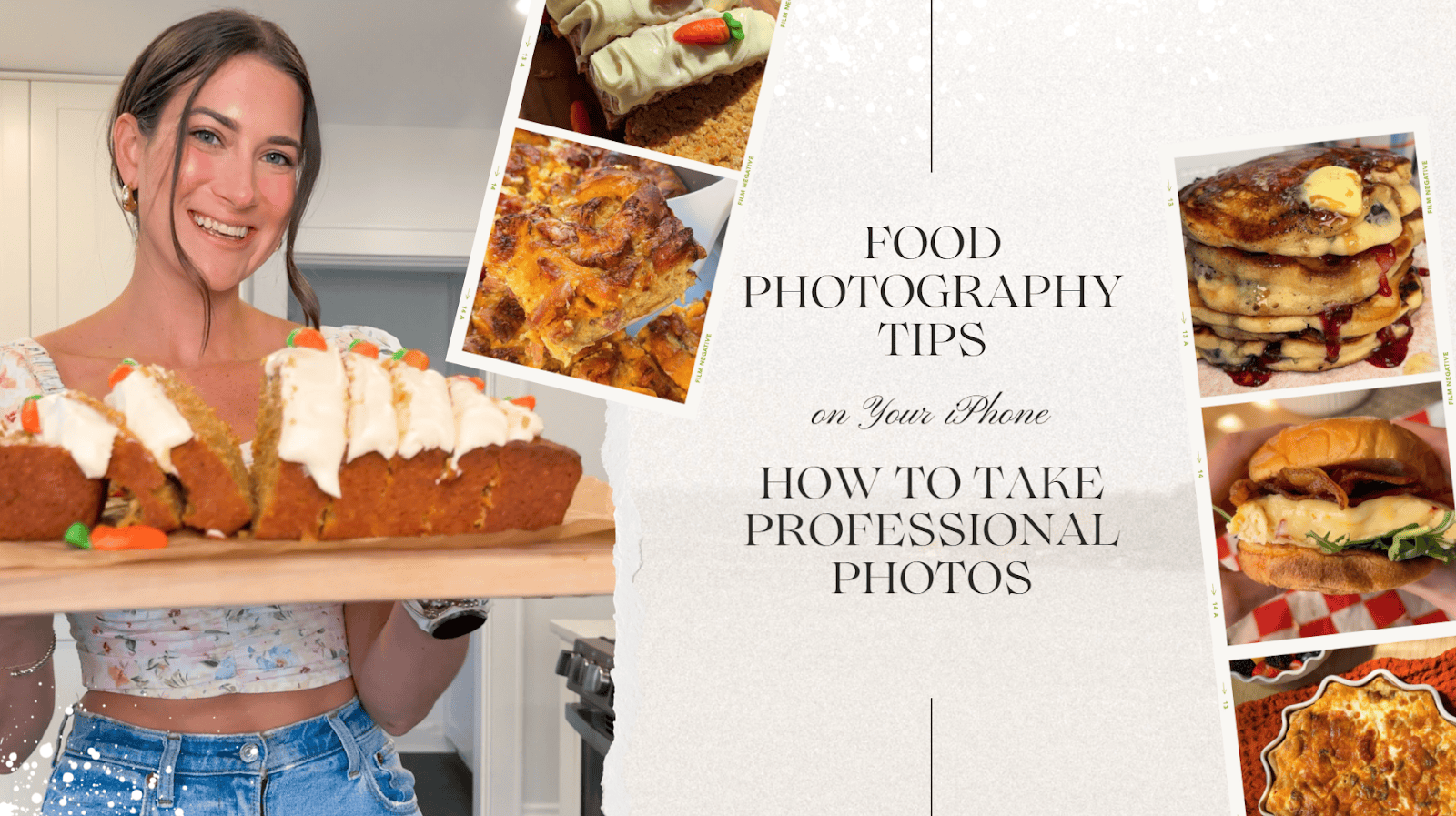

Food Photography Tips on Your iPhone: How to Take Professional Photos With Just Your Phone
If you’re dreaming of capturing drool-worthy dishes without buying a fancy DSLR, you’re in the right place. I’m here to tell you that yes, you absolutely can take stunning, scroll-stopping food photos right on your iPhone. I do it every single day, and all it takes is a little setup, some practice, and the right tools (many of which you probably already have).
In this post, I’m sharing my top food photography tips specifically for iPhone users—because let’s be real, most of us are using our phones in the kitchen anyway! Whether you’re shooting for your blog, your small business, or just to show off your latest bake on Instagram, these tips will help you level up in no time.
1. Clean Your Lens (Seriously, Do It!)
I’m starting with this because it’s that important. Before you snap any photo—clean your lens.
I learned this the hard way after my sister yelled at me on vacation for constantly taking blurry photos. 😂 I swear I still have photo PTSD from that moment. One quick swipe with your shirt or a microfiber cloth makes a huge difference. A clean lens = crisp, clear photos. Don’t skip this tiny but powerful step!
2. Turn on Your Grid & Center Your Shot
This one’s a game changer for composition.
Go into your iPhone settings → Camera → Grid → Turn ON.
Now, when you open your camera, you’ll see a grid overlay. This helps you use the rule of thirds—a classic photography trick for balanced, eye-catching shots. I recommend starting by keeping your food subject centered, especially for flat lays or straight-on shots.
Bonus: The grid also helps keep your lines straight when photographing dishes, table settings, or flat surfaces!

3. Play With Your Aesthetic Using Exposure
Your iPhone makes it so easy to change the mood of your photo. Want light and bright? Or rich and moody? All it takes is a quick tweak of the exposure slider.
Here’s how:
- Tap your screen to focus on your subject.
- A yellow sun icon will appear.
- Slide your finger up to brighten or down to darken the image.
Experiment with what you love most! I prefer a natural, bright style, but I’ve seen moody food shots that are absolutely stunning. Just play until it feels right.
4. Get a Tripod (No, It Doesn’t Need to Be Fancy)
I use a tripod for almost every photo and video I take.
It keeps your phone stable (so you don’t get blurry shots), lets you get angles that are tricky by hand, and frees up your hands for styling. Best part? You don’t need anything expensive.
Here are a few affordable, beginner-friendly options:
- Basic Tripod with Phone Mount
- Tabletop Tripod for Overhead Shots
- Adjustable Ring Light Tripod Combo
- Heavy-Duty Option if you shoot often
Total game changer.
5. Choose the Right Background
Your background sets the vibe. And while your food is the star, what’s around it totally affects the final look.
If you’re just starting, don’t overthink it! Use a clean wooden table, a cutting board, parchment paper, or a white surface near a window. My go-to is my light wooden kitchen cart and the natural light that pours in.
For more curated vibes, check out:
- Replica Surfaces – amazing for small spaces or apartment kitchens.
- Amazon has tons of photo backdrops in wood, tile, marble, and more.
Choose what reflects your style—clean and minimal? Cozy and rustic? Colorful and playful?
6. Don’t Rely on Sunlight Alone — Use Artificial Light
I live in Ohio. That means grey skies 90% of the time in winter. So yeah—natural light isn’t always available.
When that happens, artificial light saves the day. I started with a simple ring light, and it totally worked. Eventually, I upgraded to a softbox setup, and wow—it took my photos to a new level.
Here are some solid lighting options for food photography:
Just make sure your lights are set to a neutral white tone (around 5000K) for the most natural look.
7. Keep Your iPhone Updated
This might seem obvious, but always update your iPhone. Apple constantly improves the camera software—sharper images, better low-light processing, smarter autofocus.
Newer features like Photographic Styles, Macro Mode, or ProRAW can be a major win for your food photos.
8. Turn on High Efficiency Mode in Camera Settings
Go to Settings → Camera → Formats → High Efficiency.
This saves space and allows your phone to process images better. It’s especially helpful if you’re shooting a lot of photos for content and want to keep everything smooth and fast.

9. MOVE IN, Don’t Zoom In
This might be my #1 iPhone-specific tip: do not zoom in!

The Best Strawberry Shortcake Cookies
Zooming on the iPhone is digital, not optical, so it reduces image quality. Instead, physically move your phone closer to the dish. It keeps your photo crisp and avoids that weird, pixelated blur you get from zooming.
10. Always Use the Back Lens (Not the Selfie Cam!)
The back camera is significantly better quality than the front-facing camera. No matter how tempting a selfie-style video might be, stick with the back lens when shooting food.
If you’re doing a top-down video or need to film yourself, use a tripod and the self-timer or remote shutter.
11. Learn to Edit Like a Pro (Even on Your Phone!)
Editing brings your photo to life. I edit everything—even quick stories.
My favorite editing app? Lightroom Mobile. It’s free, super powerful, and beginner-friendly.
Quick tips:
- Adjust exposure and contrast for depth
- Boost texture and clarity for crispness
- Slight vibrance can make colors pop without looking fake
- Use presets if you want consistency across your feed
Bonus: Lightroom Mobile syncs with desktop if you ever upgrade your workflow!
Wrap-Up: You Don’t Need Fancy Gear—Just Know-How
Professional food photography is more about technique than gear. You don’t need an expensive camera or a studio. With a few clever tools, a clean background, and a little creativity, you can create content that looks chef’s kiss 👌—right from your iPhone.
So here’s your iPhone food photography starter kit:
✅ Clean lens
✅ Tripod
✅ Natural (or artificial) light
✅ Styling space
✅ Lightroom app
✅ A sprinkle of confidence 💁♀️
You got this! Whether you’re taking photos for your blog, Instagram, or a recipe eBook, these food photography tips will help you create shots you’re truly proud of.
Have questions? Want a behind-the-scenes of how I shoot? Let me know in the comments!
Happy snapping!
xo, Mallory 🍴📸




Leave a Reply